Introduction
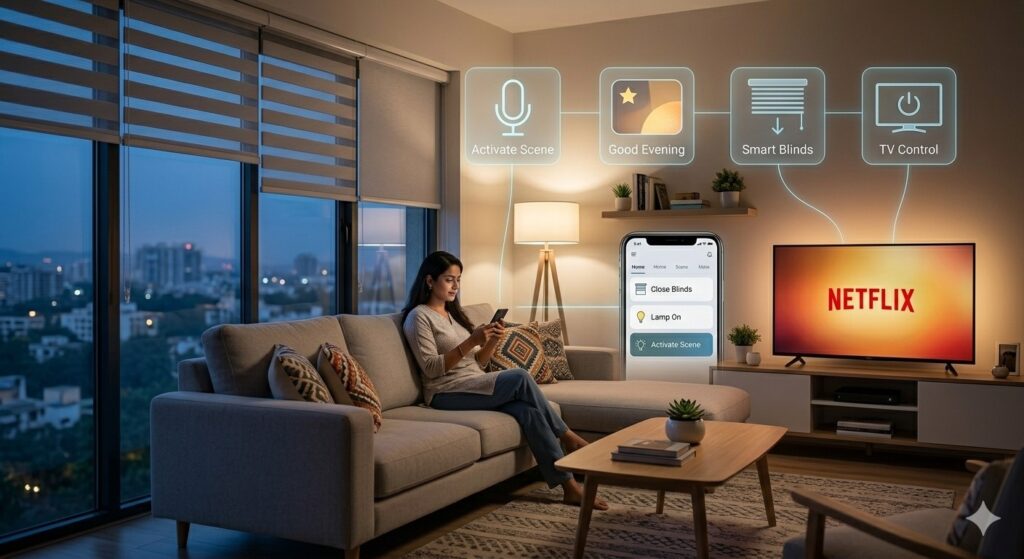
Imagine walking into your home and saying, “Good evening,” and the lights dim, your favorite playlist starts, the thermostat adjusts to 72°, and the security system disarms—all without lifting a finger. This isn’t science fiction; it’s the reality made possible by a smart home controller.
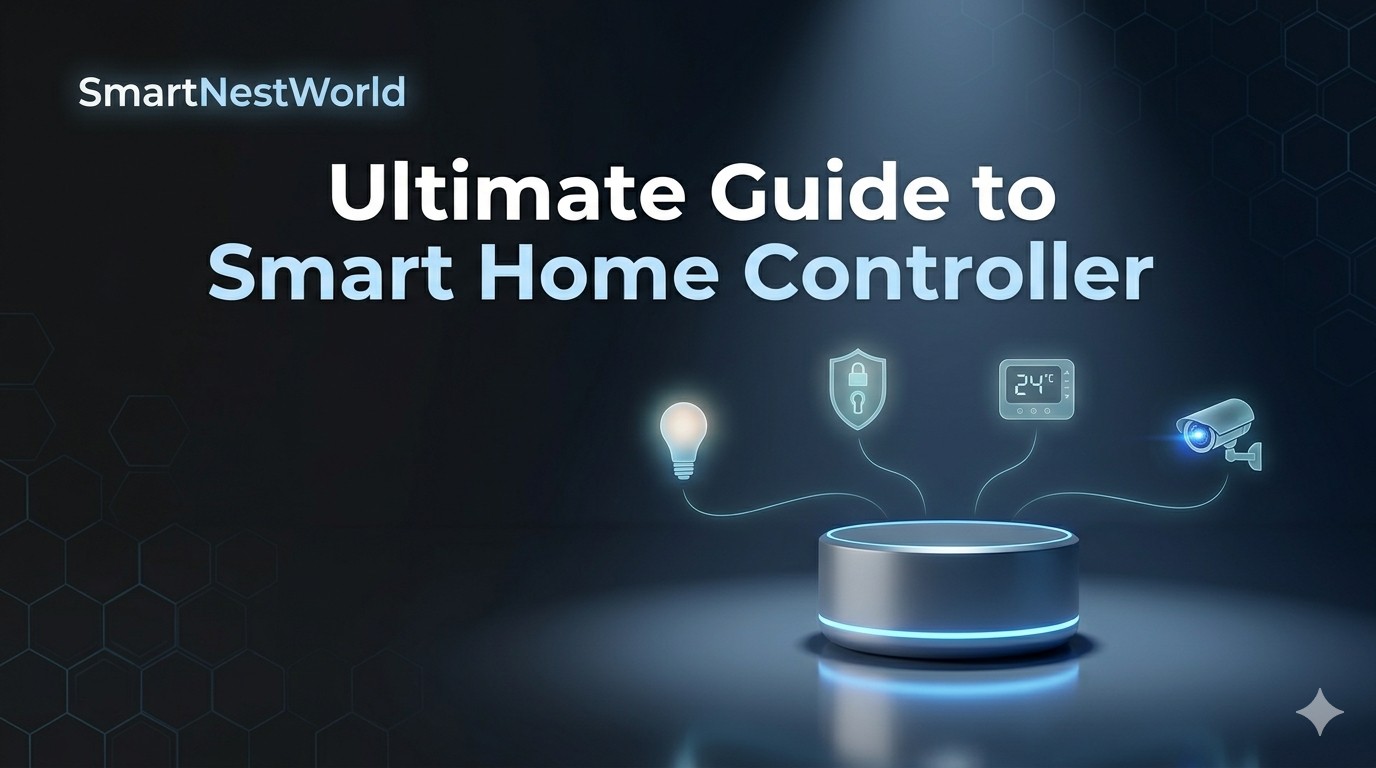
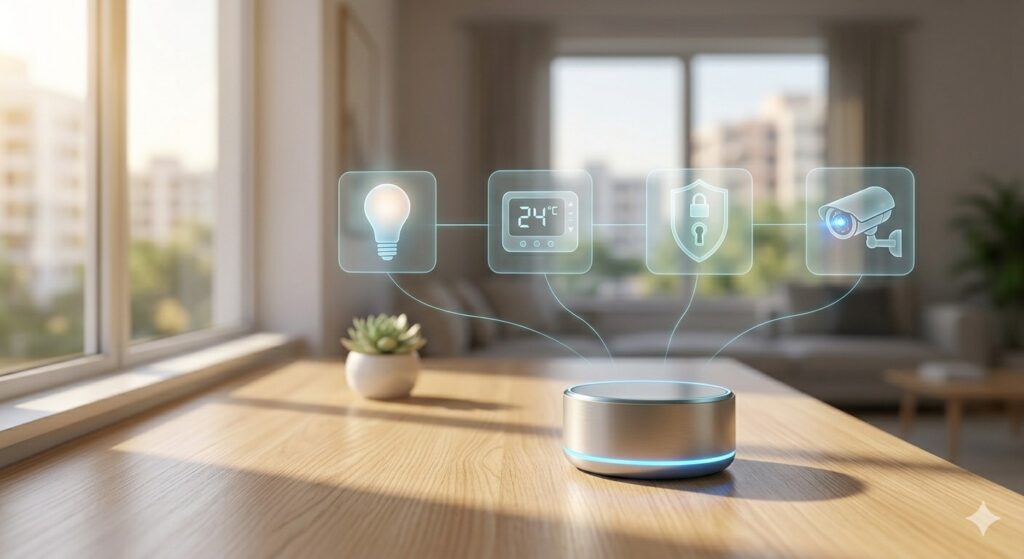
A smart home controller is the brain of a connected home. It acts as a centralized hub that unifies all your smart devices—lights, locks, cameras, thermostats, sensors, and entertainment systems—into a single, manageable ecosystem. In 2026, with the explosion of AI‑powered automation and generative engine optimization (GEO), choosing and setting up the right controller has never been more critical.
In this guide, we’ll explore everything you need to know about smart home controllers: what they are, why you need one, how to choose the best for your needs, step‑by‑step setup, security tips, and the exciting future of home automation.
What Is a Smart Home Controller?
A smart home controller (sometimes called a smart home hub or bridge) is a hardware device or software platform that communicates with and manages various smart home devices. Instead of juggling five different apps for lights, locks, and cameras, a single controller lets you automate routines, control everything from one interface, and even enable voice commands through assistants like Alexa, Google Assistant, or Siri.
The Problem It Solves
Without a controller, smart devices often operate in silos. Your smart bulb app doesn’t talk to your motion sensor app, and your thermostat can’t trigger your smart blinds. A smart home controller bridges these gaps, allowing devices from different brands and protocols (Z‑Wave, Zigbee, Wi‑Fi, Thread, Matter) to work together seamlessly.
Key Benefits
Unified control – One app or dashboard for all devices.
Automation – Create scenes like “Movie Night” that dim lights, close blinds, and turn on the TV.
Remote access – Monitor and control your home from anywhere.
Energy savings – Automatically adjust heating, cooling, and lighting based on occupancy or time of day.
Enhanced security – Receive real‑time alerts and integrate locks, cameras, and sensors into a cohesive security system.
Types of Smart Home Controllers
Not all controllers are created equal. Understanding the types will help you choose the right one for your home.
1. Dedicated Hardware Hubs
These are physical devices that connect directly to your router and use built‑in radios (Z‑Wave, Zigbee, Thread) to communicate with devices.
Examples: Samsung SmartThings Hub, Hubitat Elevation, Aeotec Smart Home Hub.
Best for: Users who want reliability, local processing (no cloud dependency), and support for multiple protocols.
2. Voice Assistant Controllers
Smart speakers with built‑in hubs (like Amazon Echo Plus or Echo Show) or those that support Zigbee/Thread act as both a voice assistant and a controller.
Examples: Amazon Echo (4th Gen), Google Nest Hub (2nd Gen), Apple HomePod mini.
Best for: Those who prioritize voice control and already use Alexa, Google, or Apple ecosystems.
3. Software‑Based Controllers (DIY)
These run on existing hardware like a Raspberry Pi or a NAS device. Open‑source platforms like Home Assistant and openHAB offer incredible flexibility and local control.
Best for: Tech‑savvy users who want complete customization and privacy.
4. Wi‑Fi Routers with Built‑in Hub
Some modern mesh Wi‑Fi systems include smart home hub functionality.
Example: Amazon eero (with built‑in Zigbee).
Best for: Users who want to simplify their network and smart home infrastructure.
5. Proprietary Brand Controllers
Brands like Lutron (Caséta) and Philips Hue have their own bridges, but these only control their own devices. They can often be integrated into a larger smart home controller system.
How to Choose the Best Smart Home Controller
When evaluating a smart home controller, consider these factors:
✅ Protocol Compatibility
Look for support for multiple wireless standards:
Z‑Wave – Long range, low power, excellent device variety.
Zigbee – Widely used, fast, supports many devices.
Thread/Matter – The new standard for interoperability; future‑proof.
Wi‑Fi – Simple but can congest your network.
A controller that supports both Z‑Wave and Zigbee (and ideally Thread/Matter) gives you the most device options.
✅ Local vs. Cloud Processing
Cloud‑dependent controllers (e.g., early SmartThings) require internet to work, which can cause delays and fails if your internet goes down.
Local processing (e.g., Hubitat, Home Assistant) runs automations on the hub itself, offering faster response and reliability even during outages.
✅ Voice Assistant Integration
If you use Alexa, Google Assistant, or Siri, ensure the controller works seamlessly with your preferred assistant.
✅ Ease of Use
Some hubs require extensive technical knowledge (Home Assistant), while others are plug‑and‑play (SmartThings, Amazon Echo). Choose based on your comfort level.
✅ Scalability
Consider how many devices you plan to add. A good controller can handle dozens or even hundreds of devices without lag.
✅ Privacy & Security
Look for controllers that offer local encryption, regular firmware updates, and transparent data handling policies.
Top Smart Home Controllers in 2026
Here’s a quick comparison of the leading options:
| Controller | Protocols | Local/Cloud | Voice Assistants | Best For |
|---|---|---|---|---|
| Samsung SmartThings Hub (Aeotec) | Zigbee, Z‑Wave, Thread, Matter | Hybrid (cloud required for some features) | Alexa, Google, SmartThings | Wide compatibility, easy setup |
| Hubitat Elevation | Zigbee, Z‑Wave, LAN | Local | Alexa, Google (via cloud) | Advanced automation, privacy‑focused |
| Home Assistant (Green / Yellow) | Zigbee, Thread, Matter, plus add‑ons | Local | Alexa, Google, HomeKit | DIY enthusiasts, full control |
| Amazon Echo Plus / Show | Zigbee, Thread, Matter | Cloud | Alexa | Voice‑first users, simplicity |
| Apple HomePod mini | Thread, Matter (limited) | Cloud (iCloud) | Siri | Apple ecosystem users |
| Google Nest Hub (2nd Gen) | Thread, Matter (limited) | Cloud | Google Assistant | Google ecosystem, visual interface |
Step‑by‑Step Setup Guide for a Smart Home Controller
Setting up a smart home controller doesn’t have to be overwhelming. Follow these steps:
Step 1: Choose Your Controller
Based on your needs from the section above, purchase the hub that fits your home. I recommend starting with a SmartThings Hub or Hubitat for balanced features and protocol support.
Step 2: Unbox and Connect
Plug the hub into power and connect it to your router via Ethernet (if available) or Wi‑Fi.
Download the companion app (SmartThings, Hubitat, etc.).
Create an account and follow the on‑screen instructions to add the hub.
Step 3: Add Your First Devices
In the app, select “Add Device.” The hub will search for devices in pairing mode.
For Zigbee/Z‑Wave devices, put them in pairing mode (usually by pressing a button or cycling power).
Name each device logically (e.g., “Living Room Lamp” instead of “Device 345”).
Step 4: Create Scenes & Automations
Scenes set multiple devices to a desired state at once (e.g., “Good Night” turns off all lights, locks doors, and sets thermostat to 68°).
Automations trigger actions based on conditions (e.g., “If front door opens after sunset, turn on porch light”).
Step 5: Integrate Voice Assistants
Link your hub account to Alexa, Google Assistant, or Siri via the respective app.
Enable the skill or service, then discover devices.
Step 6: Add Rules for Security & Energy Savings
Use motion sensors to turn off lights in empty rooms.
Set thermostats to eco mode when no one is home.
Step 7: Regularly Update Firmware
Keep your hub and devices updated for security patches and new features.
Best Practices for Smart Home Controller Optimization
To get the most from your smart home controller, follow these pro tips:
Use consistent naming – “Bedroom Light,” “Kitchen Motion Sensor” makes voice commands easier.
Create a network map – Know which devices are Z‑Wave, Zigbee, or Wi‑Fi to troubleshoot connectivity.
Place the hub centrally – Z‑Wave and Zigbee mesh networks rely on the hub’s location; avoid placing it in a corner or near metal objects.
Leverage presence detection – Use your smartphone’s location to trigger geofencing automations (e.g., “arrive home” turns on lights).
Back up your configurations – Some hubs allow you to export your settings for easy recovery.
Security & Privacy: Protecting Your Smart Home
A smart home controller centralizes control, but it also centralizes risk. Here’s how to keep your system secure:
Change default passwords – On your hub and router.
Use a separate IoT network – Many routers offer a guest network or VLAN for IoT devices.
Enable two‑factor authentication (2FA) on the controller’s account.
Regularly audit connected devices – Remove any devices you no longer use.
Keep firmware updated – Both the hub and each device.
Consider local controllers – Devices like Hubitat or Home Assistant process data locally, reducing cloud exposure.
The Role of Matter & Thread in the Future of Smart Home Controllers
In 2026, Matter (the connectivity standard backed by Apple, Google, Amazon, and others) has matured. Many new smart home controllers now support Matter, allowing devices to work across ecosystems seamlessly. Thread is the underlying mesh network that makes Matter even more robust.
If you’re buying a controller today, prioritize one that supports Thread/Matter to future‑proof your setup. Controllers like the SmartThings Hub (with Thread) and Home Assistant’s Yellow (with Thread radio) are excellent choices.
Advanced Automations with a Smart Home Controller
Beyond basic on/off commands, a smart home controller enables powerful automations:
Weather‑adaptive routines – If rain is forecast, close windows via smart sensors or delay sprinklers.
Presence simulation – Randomize lights when you’re away to deter intruders.
Energy management – Turn off high‑power devices during peak rate hours.
Pet care – Automatically dispense food or unlock pet doors based on time and presence.
Common Pitfalls & How to Avoid Them
| Pitfall | Solution |
|---|---|
| Buying devices without checking compatibility | Look for “Works with [your hub]” labels or check the hub’s official compatibility list. |
| Overcomplicating automations | Start simple—add one automation at a time and test. |
| Ignoring firmware updates | Enable automatic updates if possible, or set a monthly reminder. |
| Using too many Wi‑Fi devices | Prefer Zigbee/Z‑Wave devices to avoid network congestion. |
| No backup plan | For critical systems (like locks), keep a physical key or manual override. |
Cost Analysis: Is a Smart Home Controller Worth It?
Many people wonder if buying a dedicated smart home controller is necessary when voice assistants can control some devices. Here’s a cost‑benefit breakdown:
Entry‑level: Using just Alexa or Google Home with Wi‑Fi devices – no hub cost, but limited automation and no offline control.
Mid‑range: A $100–$150 hub (SmartThings, Hubitat) plus Z‑Wave/Zigbee devices – higher upfront cost, but lower per‑device cost, better reliability, and true interoperability.
High‑end: Fully local setup with Home Assistant on dedicated hardware – cost varies, but offers ultimate privacy and customization.
For most households, a mid‑range hub pays off within the first year through energy savings, convenience, and enhanced home security.
Visit My Article:- Smart Speakers
For Best Products:- Google Homes
Frequently Asked Questions (FAQ)
What is the best smart home controller for beginners?
The Samsung SmartThings Hub (Aeotec) is widely regarded as the best for beginners due to its easy setup, broad compatibility, and excellent mobile app.
Can I use a smart home controller without internet?
Some controllers, like Hubitat and Home Assistant, can run most automations locally without an internet connection. Cloud‑dependent hubs (e.g., Amazon Echo) require internet for voice commands and remote access.
Do I need a hub if all my devices are Wi‑Fi?
Not strictly, but a hub adds automation capabilities across brands and protocols. Without a hub, you’re limited to the built‑in automations of each manufacturer’s app.
Is Matter the same as a smart home controller?
No. Matter is a connectivity standard, not a controller. A smart home controller can support Matter, allowing Matter‑certified devices to work together regardless of brand.
How many devices can a smart home controller handle?
It varies. Consumer hubs like SmartThings can handle 100–200 devices. Professional‑grade setups can scale to hundreds more.
Conclusion
A smart home controller is the cornerstone of a truly connected home. It transforms a collection of individual gadgets into a cohesive, intelligent system that saves energy, enhances security, and adds convenience to daily life. Whether you choose a plug‑and‑play hub like SmartThings, a privacy‑focused option like Hubitat, or a DIY powerhouse like Home Assistant, the key is to start with a clear plan and scale gradually.
In 2026, with the rise of Matter, Thread, and AI‑driven automations, there’s never been a better time to invest in a smart home controller. Use the guidelines in this article to select, set up, and optimize your system—and enjoy a smarter, more responsive home.