Table of Contents
Smart homes are becoming more popular every day, and one of the easiest ways to control your smart devices is by using a smart speaker. Instead of opening multiple apps or manually switching devices on and off, you can manage everything with simple voice commands.
If you are new to smart home technology, a smart speaker can act as the central control system for your home. It connects your devices, automates daily routines, and makes everyday tasks more convenient.
In this beginner-friendly guide, you will learn how to use smart speakers for smart home automation, how they work, how to set them up, and how they can make your home smarter and more efficient.
What Is a Smart Speaker?
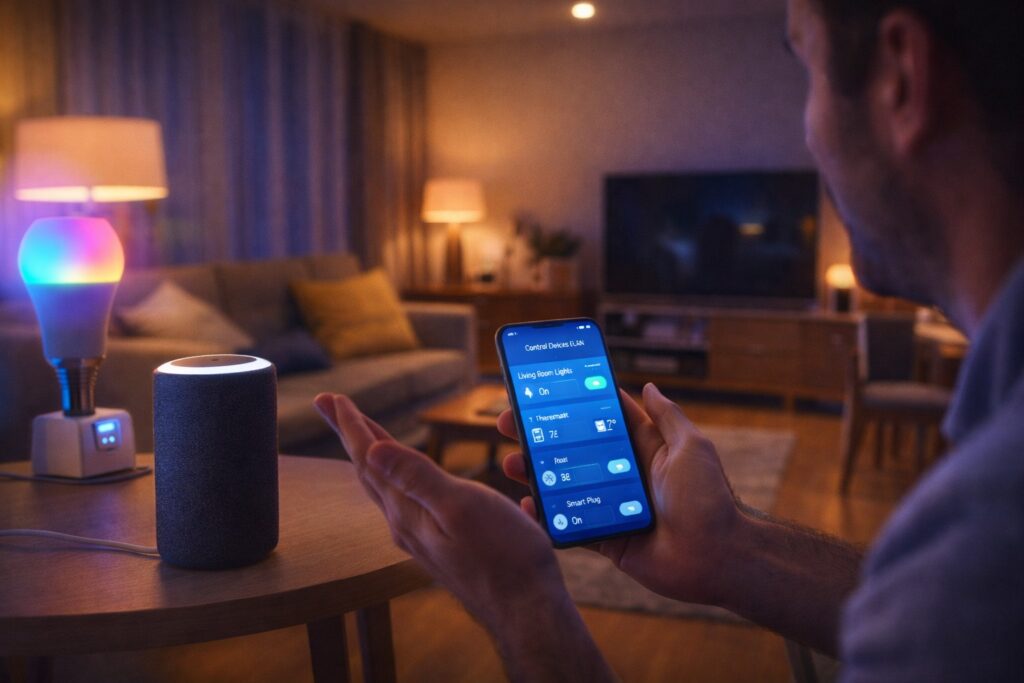
A smart speaker is a voice-controlled device that connects to the internet and allows you to control smart home devices using voice commands or a mobile app.
Popular smart speaker platforms include:
Amazon Alexa
Google Assistant
Apple Siri (HomePod)
These devices can perform many tasks, such as:
Controlling lights and appliances
Playing music
Setting reminders and alarms
Providing weather and news updates
Managing multiple smart devices from one place
For beginners, smart speakers are one of the simplest ways to start smart home automation.
How Smart Speakers Work?
Smart speakers work through three main components:
1. Voice Recognition
The device listens for a wake word like:
“Alexa”
“Hey Google”
Once activated, it processes your command.
2. Internet Connection
Smart speakers connect to your home WiFi and communicate with cloud services to understand and execute commands.
3. Device Integration
The speaker connects to compatible smart devices such as:
Smart bulbs
Smart plugs
Smart switches
Smart TVs
Security cameras
This allows you to control multiple devices from a single system.
Why Smart Speakers Are Important for Smart Home Automation
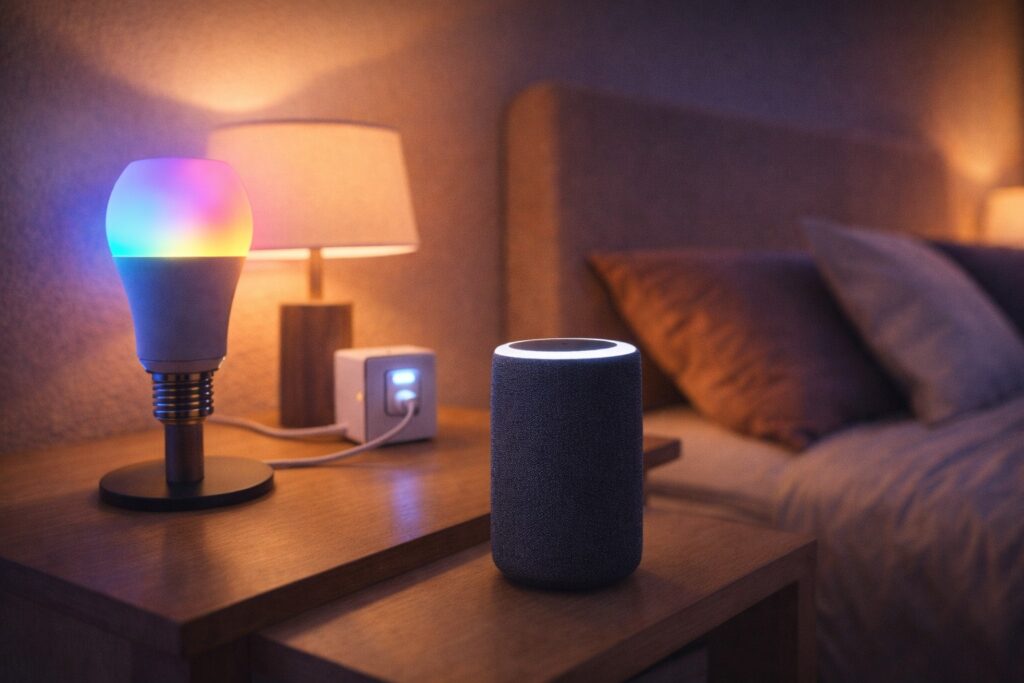
Smart speakers act as the brain of your smart home. Instead of controlling devices individually, you can manage everything through one interface.
Benefits include:
Hands-free control
Centralized device management
Easy automation routines
Improved convenience
Better energy management
For beginners, this simplifies the entire smart home experience.
How to Set Up a Smart Speaker (Step-by-Step)
Setting up a smart speaker is simple and usually takes only a few minutes.
Step 1: Plug in the Device
Connect the smart speaker to a power source and turn it on.
Step 2: Download the Mobile App
Install the official app:
Amazon Alexa app
Google Home app
Step 3: Connect to WiFi
Open the app and follow the instructions to connect the speaker to your home WiFi network.
Step 4: Sign In and Complete Setup
Log in with your account and complete the initial setup.
Once done, your smart speaker is ready to use.
Connecting Smart Devices to Your Speaker
To use smart speakers for smart home automation, you need to connect your devices.
Example: Connecting a Smart Bulb
Install the smart bulb and connect it to WiFi
Open the Alexa or Google Home app
Tap “Add Device”
Select the device type
Follow the instructions
After setup, you can say:
“Turn on the living room light.”
The same process works for smart plugs, switches, and other devices.
Using Voice Commands for Daily Tasks
Once your devices are connected, you can control them using voice commands.
Common examples:
Lighting:
“Turn on the bedroom lights”
“Dim the lights to 50 percent”
Appliances:
“Turn off the fan”
“Switch on the coffee maker”
Entertainment:
“Play music”
“Increase the volume”
Voice control makes everyday tasks faster and more convenient.
Creating Smart Home Routines
One of the most powerful features of smart speakers is automation through routines.
A routine allows multiple actions to run with a single command or schedule.
Example: Morning Routine
When you say “Good morning”:
Lights turn on
Weather update plays
News briefing starts
Example: Night Routine
When you say “Good night”:
All lights turn off
Smart plugs turn off appliances
Security cameras activate
You can create routines inside the Alexa or Google Home app.
Benefits of Using Smart Speakers for Automation
1. Convenience
You can control your home without touching switches or opening apps.
2. Time Saving
Automation reduces manual work and speeds up daily tasks.
3. Energy Efficiency
Turn off devices automatically when not in use.
4. Accessibility
Voice control is helpful for elderly users or people with limited mobility.
5. Centralized Control
Manage multiple devices from one platform instead of using separate apps.
Best Devices to Connect with Smart Speakers
Smart speakers work well with many devices, including:
Smart bulbs for lighting control
Smart plugs for appliances
Smart switches for fans and lights
Smart thermostats for temperature control
Smart security cameras and doorbells
Starting with a few essential devices helps you build your smart home gradually.
Common Mistakes to Avoid
Beginners often make small mistakes during setup.
Using a weak WiFi connection
Mixing incompatible device brands
Placing the speaker too far from the router
Not organizing devices into rooms
Ignoring automation features
Proper setup ensures smooth and reliable performance.
Tips for Better Smart Speaker Performance
Place the speaker in a central location
Use clear and simple voice commands
Keep device firmware updated
Use strong and stable WiFi
Organize devices by room inside the app
These small steps improve your overall smart home experience.
Are Smart Speakers Worth It?
Yes, smart speakers are one of the most valuable smart home devices. They provide:
Easy voice control
Centralized automation
Improved convenience
Better energy management
A simple way to manage multiple devices
For beginners, they are the best starting point for building a smart home system.
Final Thoughts
Smart speakers make smart home automation simple, practical, and accessible for everyone. With easy setup, voice control, and automation routines, you can manage your home more efficiently and comfortably.
Start by connecting a few devices like smart bulbs or smart plugs, and gradually expand your system. As you explore more features, you will discover how smart speakers can transform everyday living into a smarter and more convenient experience.
At SmartNestWorld, our goal is to help you understand smart technology in a simple way so you can build your smart home step by step.
Visit Previous Article:-
Smart Bulbs for Beginners: Easy Smart Lighting Setup Guide
Visit Best Products:- Google Homes
Frequently Asked Questions About Smart Speakers 🎤
1. What is a smart speaker used for in smart home automation?
A smart speaker is used as a central control device for smart home automation. It allows you to control smart bulbs, plugs, switches, and other devices using voice commands or a mobile app.
2. Are smart speakers easy to use for beginners?
Yes, smart speakers are designed for beginners. Setup takes only a few minutes, and you can control devices easily using simple voice commands like “Turn on the lights” or “Switch off the fan.”
3. Do smart speakers work without WiFi?
No, smart speakers require a WiFi connection to process voice commands and communicate with smart home devices. Without internet, most smart features will not work.
4. Which devices can be connected to a smart speaker?
Smart speakers can connect to many smart home devices, including smart bulbs, smart plugs, smart switches, smart TVs, thermostats, and security cameras.
5. Can I control multiple devices with one smart speaker?
Yes, a single smart speaker can control multiple devices. You can also group devices by room and create routines to control several devices at once with one command.