Lighting plays an important role in our daily lives. It affects our mood, comfort, productivity, and even our sleep. But what if your lights could adjust automatically, change colors, or turn on before you enter the room? That is exactly what smart bulbs can do.
If you are starting your smart home journey, smart bulbs are one of the easiest and most useful devices to begin with. They are simple to install, affordable, and can instantly make your home feel modern and convenient.
In this beginner-friendly guide, you will learn what smart bulbs are, how they work, their benefits, and how to set them up step by step.
What Are Smart Bulbs?
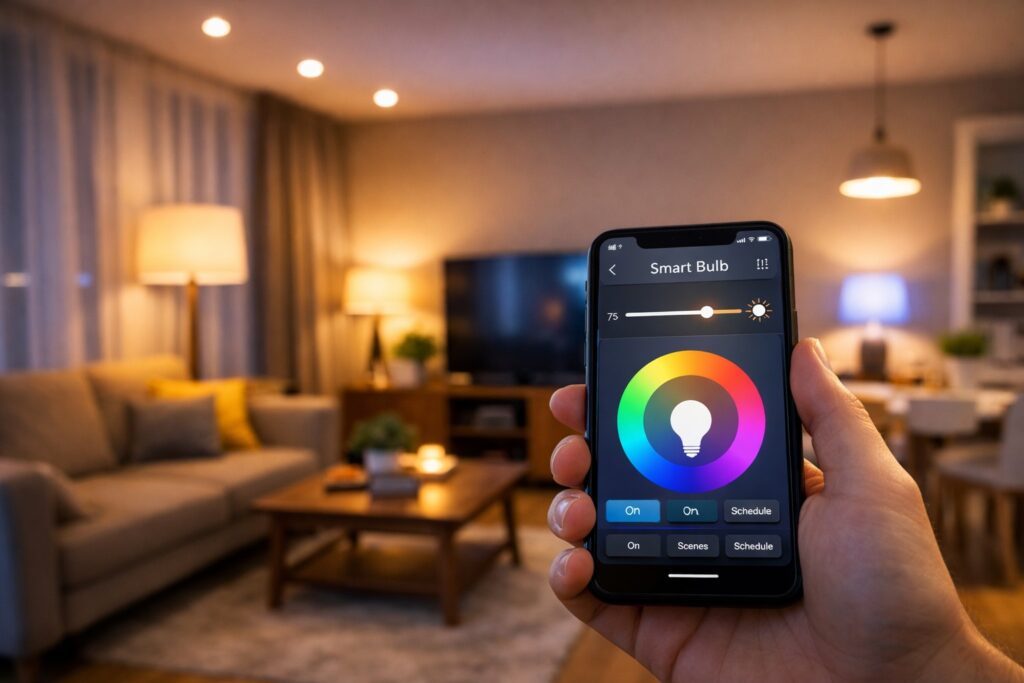
Smart bulbs are LED light bulbs that connect to your home WiFi network. Once connected, you can control them using:
A smartphone app
Voice commands
Smart home systems like Alexa or Google Assistant
Unlike regular bulbs, smart bulbs allow you to control brightness, color, and schedules without touching a switch. This makes everyday lighting more flexible and efficient.
How Do Smart Bulbs Work?
Smart bulbs work through wireless communication. After installing the bulb, you connect it to your WiFi using the manufacturer’s mobile app. Once connected, you can control it from anywhere.
The basic process includes:
Install the smart bulb in a light socket
Turn on the power
Download the brand’s mobile app
Connect the bulb to your WiFi
Start controlling the light from your phone
You can also connect the bulb to a smart speaker and use voice commands like,
“Turn off the bedroom light.”
Why Smart Bulbs Are Perfect for Beginners
If you are new to smart home technology, smart bulbs are an excellent starting point. They do not require wiring, technical skills, or professional installation.
Here are some reasons why beginners prefer smart bulbs:
Easy installation
Energy-efficient LED technology
Remote control from anywhere
Voice control support
Affordable compared to other smart devices
Smart bulbs allow you to experience home automation without complexity.
Benefits of Using Smart Bulbs
1. Convenience and Control
You can turn lights on or off from your smartphone, even when you are not at home. This is useful if you forget to switch off a light before leaving.
2. Energy Savings
Smart bulbs use LED technology, which consumes less electricity. You can also schedule lights to turn off automatically, reducing unnecessary power usage.
3. Adjustable Brightness
Most smart bulbs allow you to adjust brightness levels according to your needs. You can create bright lighting for work or soft lighting for relaxation.
4. Color Changing Options
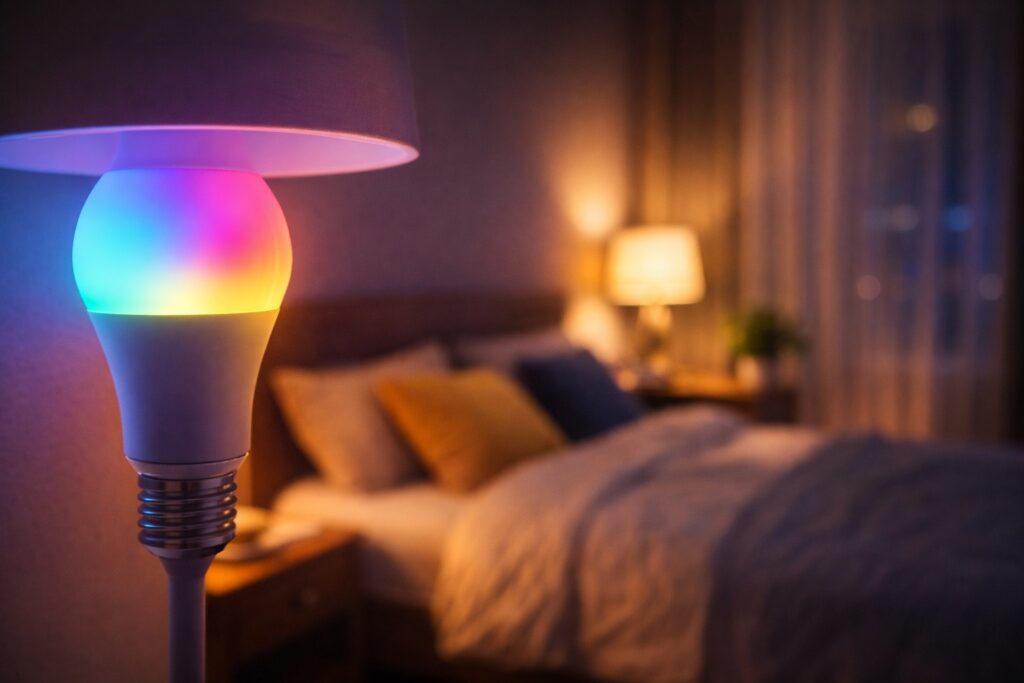
Many smart bulbs support multiple colors. You can change lighting for different moods, events, or times of the day.
5. Improved Home Security
When you are traveling, you can turn lights on and off remotely to make your home appear occupied.
Everyday Uses of Smart Bulbs
Smart bulbs are useful in many real-life situations:
Automatically turn on lights in the evening
Set dim lighting for movie time
Use bright white light for studying or working
Wake up with gradual morning lighting
Turn off all lights at bedtime
These small automations can make daily life more comfortable.
How to Set Up Smart Bulbs (Step-by-Step)
Setting up a smart bulb takes only a few minutes.
Install the bulb into a standard light socket
Turn on the switch
Download the bulb’s mobile app
Connect the bulb to your WiFi network
Name the bulb (for example, “Living Room Light”)
Test on/off control from the app
Optional step: Connect the bulb to Alexa or Google Home for voice control.
Choosing the Right Smart Bulb
Before buying a smart bulb, consider these factors:
Compatibility
Make sure the bulb works with your preferred platform, such as Alexa or Google Assistant.
Brightness Level
Check the lumen rating to ensure the bulb provides enough brightness for your room.
Color Options
Choose between:
White-only bulbs
Tunable white (warm to cool)
Full color bulbs
WiFi or Hub
Some bulbs work directly with WiFi, while others require a hub. Beginners should choose WiFi-enabled models for easier setup.
Common Mistakes to Avoid
Beginners often make a few simple mistakes when using smart bulbs.
Using weak WiFi connection
Turning off the wall switch (which disconnects the bulb)
Mixing incompatible brands
Installing too many bulbs at once
Start with one or two bulbs and expand gradually.
Smart Bulbs and Smart Home Management
Smart bulbs become even more powerful when connected to a full smart home system. You can create routines such as:
Turn on lights when you arrive home
Switch off all lights at night
Adjust brightness based on time of day
This improves overall smart home management and makes your home more efficient.
Are Smart Bulbs Worth It?
Yes, smart bulbs are worth the investment. They provide:
Better control over lighting
Energy savings
Convenience and automation
Improved comfort
Modern smart home experience
For beginners, they offer one of the simplest ways to upgrade a home.
Who Should Use Smart Bulbs?
Smart bulbs are ideal for:
Beginners starting a smart home
Busy professionals
Families who want convenience
People who want to save electricity
Anyone interested in home automation
They are suitable for bedrooms, living rooms, offices, and even outdoor lighting.
Final Thoughts
Smart bulbs are a simple yet powerful way to begin your smart home journey. With easy installation, remote control, and energy-saving features, they make everyday life more comfortable and efficient.
Start with one or two smart bulbs, explore their features, and gradually expand your setup. Over time, you will experience how smart lighting can transform your home into a smarter and more convenient living space.
At SmartNestWorld, our goal is to help you understand smart technology in the simplest way possible, so you can build a smarter lifestyle step by step.
Visit Previous Article:- Smart Plug
Visit Smart Products :- Google Homes
Frequently Asked Questions About Smart Bulbs 💡
1. What are smart bulbs and how do they work?
Smart bulbs are LED lights that connect to your WiFi network and allow you to control them using a smartphone app or voice assistant like Alexa or Google Assistant. They let you adjust brightness, change colors, and set schedules.
2. Are smart bulbs easy to install for beginners?
Yes, smart bulbs for beginners are very easy to install. You simply screw the bulb into a socket, turn it on, connect it to WiFi using the mobile app, and start controlling it instantly.
3. Do smart bulbs save electricity?
Yes, smart bulbs use energy-efficient LED technology and allow you to schedule or turn off lights remotely, which helps reduce unnecessary electricity usage.
4. Do smart bulbs work without WiFi?
Most smart bulbs require WiFi for remote control and automation. However, some models may still work as normal bulbs using the wall switch if the internet is not available.
5. Can I control multiple smart bulbs at once?
Yes, you can group multiple smart bulbs in the mobile app and control them together. This allows you to manage an entire room or your whole home with a single command.