Google Home Setup Guide for Beginners: Control Your Smart Home Easily
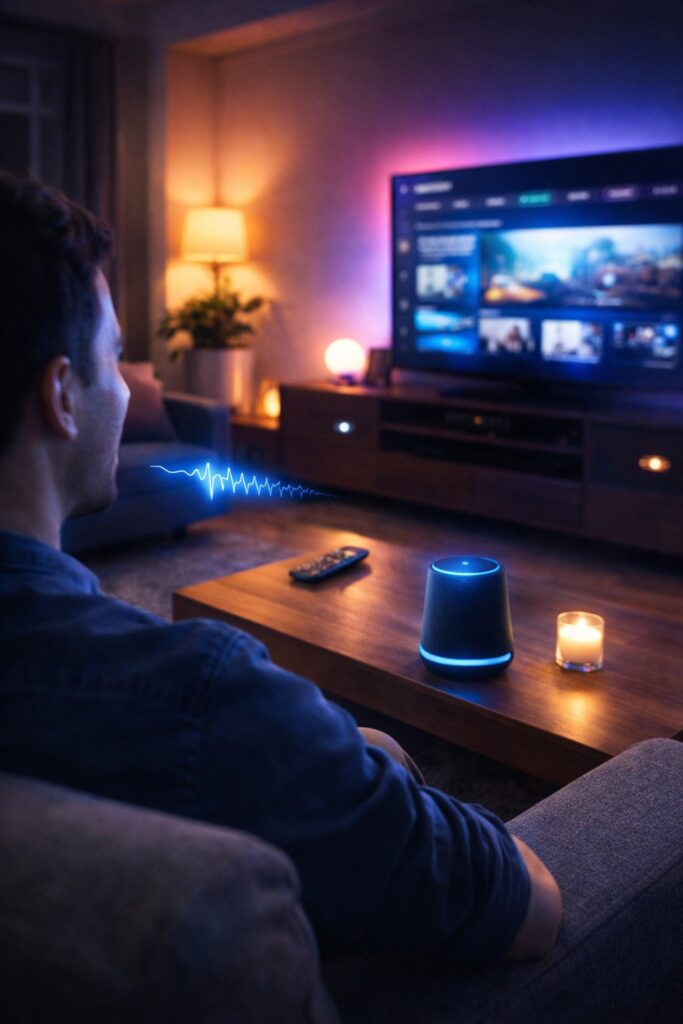
Smart home technology is becoming more popular every year, and Google Home is one of the easiest ways to start building a smart home. Designed by Google, this powerful device allows users to control smart devices, play music, check weather updates, and manage everyday tasks using voice commands.
With the help of Google Assistant, Google Home acts as the central control system for your home. Instead of manually operating different devices, you can simply say a command and Google Home will perform the task instantly.
For beginners, Google Home is an ideal smart home solution because it is easy to set up and works with thousands of smart devices such as lights, cameras, smart plugs, thermostats, and TVs.
Why Google Home Is Popular
Here are some reasons why Google Home is widely used:
🎤 Hands-Free Voice Control – Control devices using voice commands.
🏠 Smart Home Integration – Connect multiple smart devices easily.
📱 Mobile App Control – Manage devices through the Google Home.
⚡ Automation Features – Create routines to automate daily tasks.
🌍 Instant Information – Ask questions about weather, news, and more.
Because of these powerful features, Google Home is considered one of the best smart home assistants for beginners.
What Is Google Home and How Does It Work?
Google Home is a smart speaker and home automation system that allows you to control smart devices with voice commands. It connects to your home Wi-Fi network and works through the Google Home mobile application.
When you say “Hey Google”, the built-in Google Assistant listens to your command and performs the requested action. For example:
Turning on lights
Playing music
Setting alarms
Controlling smart home devices
Google Home communicates with connected devices through cloud technology. This means your commands are processed instantly and sent to the appropriate smart device.
Key Capabilities of Google Home
⭐ Voice recognition technology
⭐ Smart device connectivity
⭐ Home automation routines
⭐ Entertainment control
⭐ Information and productivity tools
These features make Google Home not just a speaker but the brain of a smart home system.
Devices Compatible With Google Home
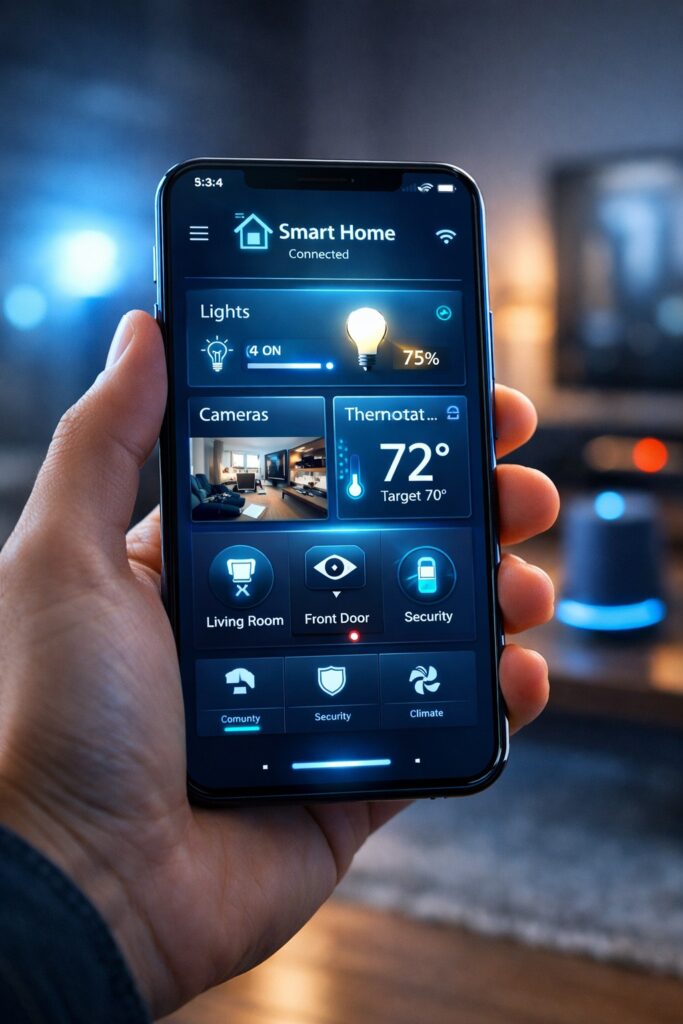
One of the biggest advantages of Google Home is its compatibility with thousands of smart devices. This allows homeowners to create a complete smart home environment.
Popular Smart Devices That Work With Google Home
| Device | What It Does |
|---|---|
| 💡 Smart Lights | Turn lights on/off using voice |
| 🔒 Smart Locks | Lock or unlock doors remotely |
| 📷 Security Cameras | Monitor home security |
| 📺 Smart TVs | Control entertainment systems |
| 🌡 Smart Thermostats | Adjust home temperature |
These devices can all be managed through the Google Home app or voice commands.
💡 Pro Tip: Start with smart lights and smart plugs if you are new to smart home technology.
How to Set Up Google Home Step-by-Step
Setting up Google Home is simple and can be completed in just a few minutes.
Step 1 – Plug in the Device
Connect your Google Home speaker to a power outlet and wait for it to start.
Step 2 – Install the Google Home App
Download the Google Home app from the app store on your smartphone.
Step 3 – Connect to Wi-Fi
Open the app and follow the instructions to connect the device to your Wi-Fi network.
Step 4 – Sign in to Your Google Account
This allows Google Home to access your preferences and settings.
Step 5 – Add Smart Devices
Use the Google Home app to connect compatible smart devices such as lights, cameras, or smart plugs.
After completing these steps, your Google Home device will be ready to control your smart home.
Popular Google Home Voice Commands
Voice commands are the most exciting feature of Google Home. Instead of using switches or remote controls, you can manage everything through voice instructions.
Smart Home Commands
“Hey Google, turn on the living room lights.”
“Hey Google, lock the front door.”
“Hey Google, turn off all lights.”
Information Commands
“Hey Google, what’s the weather today?”
“Hey Google, tell me the news.”
“Hey Google, what’s on my schedule?”
Entertainment Commands
“Hey Google, play relaxing music.”
“Hey Google, increase the volume.”
“Hey Google, play a podcast.”
These commands make everyday tasks faster and more convenient.
Smart Home Automation With Google Home
Automation is where Google Home truly becomes powerful. Instead of controlling devices individually, you can create routines that perform multiple actions automatically.
Example Automation Ideas
🌅 Morning Routine
When you say “Good morning”:
Lights turn on
Weather update plays
News briefing starts
Coffee machine activates
🌙 Night Routine
When you say “Good night”:
Lights turn off
Doors lock automatically
Security cameras activate
Thermostat adjusts temperature
Automation routines help make your home more efficient, secure, and comfortable.
Advantages of Using Google Home
Here is a quick overview of why Google Home is one of the best smart home solutions.
| Feature | Benefit |
|---|---|
| Easy Setup | Perfect for beginners |
| Voice Assistant | Hands-free control |
| Smart Device Integration | Connect thousands of devices |
| Automation | Simplify daily routines |
| Remote Access | Control home from anywhere |
These benefits make Google Home a powerful tool for building a smart home system.
Tips to Improve Your Google Home Experience
To get the best results from your Google Home system, follow these expert tips:
⭐ Place the speaker in a central location for better voice recognition.
⭐ Use automation routines to control multiple devices easily.
⭐ Regularly update the Google Home app for new features.
⭐ Start with simple smart devices before expanding your system.
These tips will help you maximize the benefits of your Google Home setup.
Common Google Home Problems and Easy Solutions
Even though Google Home is designed to be simple and beginner-friendly, users may sometimes face small technical issues. Fortunately, most Google Home problems can be solved quickly with a few easy troubleshooting steps.
One common issue is when Google Home does not respond to voice commands. This usually happens when the microphone is turned off or when the device cannot clearly hear the wake phrase. Make sure the microphone switch is enabled and try speaking clearly by saying “Hey Google” or “OK Google.”
Another problem users sometimes experience is Wi-Fi connectivity issues. Since Google Home relies on an internet connection, unstable Wi-Fi can affect performance. If your Google Home device is not responding properly, try restarting your router or reconnecting the device through the Google Home.
Quick Troubleshooting Checklist
If your Google Home device is not working properly, try these solutions:
✔ Restart the Google Home device
✔ Check your Wi-Fi connection
✔ Update the Google Home app
✔ Move the device closer to the Wi-Fi router
✔ Restart your smartphone and router
These simple steps fix most issues within minutes.
Another helpful tip is to keep your Google Home software updated. Updates often improve device performance and add new features to the Google Assistant. Regular updates ensure that your smart home system continues working smoothly.
By understanding these common problems and solutions, users can maintain a reliable Google Home smart home system without needing technical support. With proper setup and maintenance, Google Home remains one of the most convenient and powerful tools for controlling modern smart homes.
Visit my previous article:- How to use smart speakers.
Visit for smart products:- Google Homes
Conclusion
Google Home is one of the best smart home solutions for beginners who want an easy and affordable way to automate their homes. With powerful voice control, smart device compatibility, and automation features, it allows homeowners to manage their entire home from a single platform.
Whether you want to control lighting, security devices, or entertainment systems, Google Home makes smart home technology simple and accessible.
As smart home technology continues to evolve, devices like Google Home will play an important role in creating smarter, safer, and more efficient homes.
Faqs
1️⃣ What is Google Home and how does it work?
Google Home is a smart speaker and home automation device developed by Google. It uses Google Assistant to process voice commands, allowing users to control smart devices, play music, check the weather, and automate their home. Simply say “Hey Google” or “OK Google”, and the device performs your requested actions.
2️⃣ How do I set up Google Home for the first time?
Setting up Google Home is simple. Plug in the device, download the Google Home app, sign in with your Google account, connect the device to Wi-Fi, and add your smart devices. Once connected, you can control your lights, security cameras, thermostats, and other smart home devices using voice commands or the app.
3️⃣ What devices are compatible with Google Home?
Google Home works with thousands of smart devices, including:
💡 Smart lights
🔒 Smart locks
📷 Security cameras
🌡 Smart thermostats
📺 Smart TVs
These devices can be controlled individually or through automation routines, making it easy to manage your entire smart home system.
4️⃣ Can Google Home automate my daily routines?
Yes! Google Home automation lets you create custom routines. For example, saying “Good morning” can turn on the lights, read the news, start music, and provide a weather update. Similarly, “Good night” can turn off lights, lock doors, and activate security cameras. Automation saves time and enhances convenience in your smart home.
5️⃣ How can I troubleshoot Google Home if it’s not responding?
Common issues include microphone problems or Wi-Fi connectivity. To fix Google Home:
Ensure the microphone is on
Restart the device
Check Wi-Fi connection
Update the Google Home app
Move the device closer to the router
Most issues are resolved within minutes with these simple steps.