Table of Contents
Introduction
Managing multiple smart devices at home can feel confusing at first. Lights, plugs, cameras, speakers, and appliances — each comes with its own app and settings. This is where smart home management becomes important.
Smart home management is the process of controlling and organizing all your smart devices from one place. With the right setup, you can manage your entire home using a single app, voice command, or automation routine.
If you are new to smart homes, this guide will help you understand how smart home management works, what tools you need, and how to create a simple and efficient system for everyday use.
What Is Smart Home Management?
Smart home management means controlling and monitoring all your smart devices through a centralized system.
Instead of opening different apps for each device, a smart home manager allows you to:
Control multiple devices from one dashboard
Monitor your home remotely
Create automation routines
Schedule device actions
Use voice commands
Track energy usage
This makes your home more organized, efficient, and easier to manage.
Why Smart Home Management Is Important
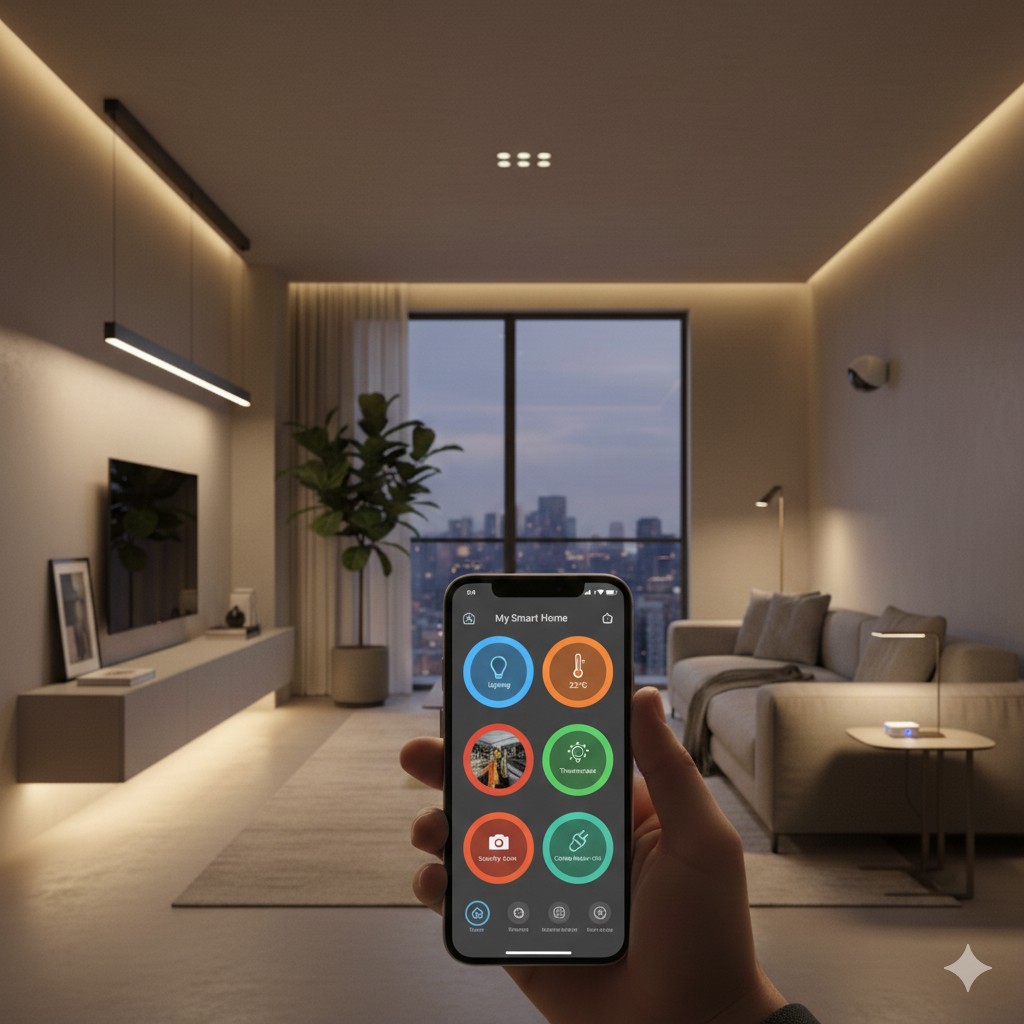
As you add more smart devices, managing them individually becomes difficult. A proper home automation control system helps you simplify everything.
Key Benefits
1. Centralized Control
You can control lights, plugs, cameras, and appliances from a single app.
2. Time Saving
Automation routines reduce manual work. For example:
Turn off all devices when leaving home
Turn on lights automatically in the evening
3. Remote Access
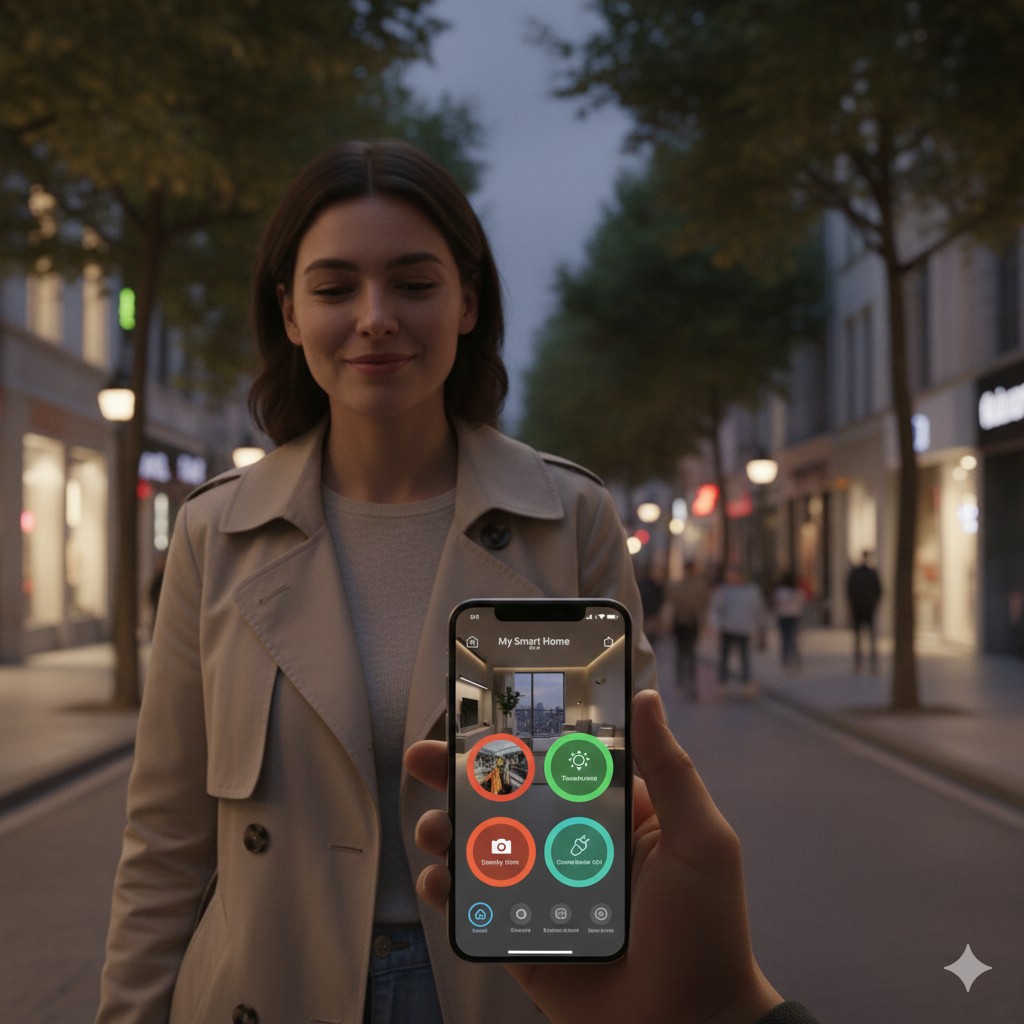
You can manage your home from anywhere using your smartphone.
4. Energy Efficiency
Monitor and reduce unnecessary power usage.
5. Better Security
Control cameras, door locks, and sensors in one place.
Essential Components of a Smart Home Management System
To manage your smart home effectively, you need the following components.
1. Smart Devices
Start with basic devices such as:
Smart plugs
Smart bulbs
Smart switches
Smart cameras
Smart speakers
These devices connect to your WiFi and can be controlled remotely.
2. Smart Home App (Smart Home Manager)
A smart home app acts as your control center.
Popular options include:
Google Home
Amazon Alexa
Apple Home
Samsung SmartThings
These apps allow you to manage multiple devices from different brands in one place.
3. Voice Assistant
Voice assistants make smart home management even easier.
You can say:
“Turn off the lights”
“Turn on the fan”
“Good night”
Popular voice assistants:
Google Assistant
Amazon Alexa
Apple Siri
VISIT:- Google Homes
How to Set Up Smart Home Management (Step by Step)
Step 1: Start Small
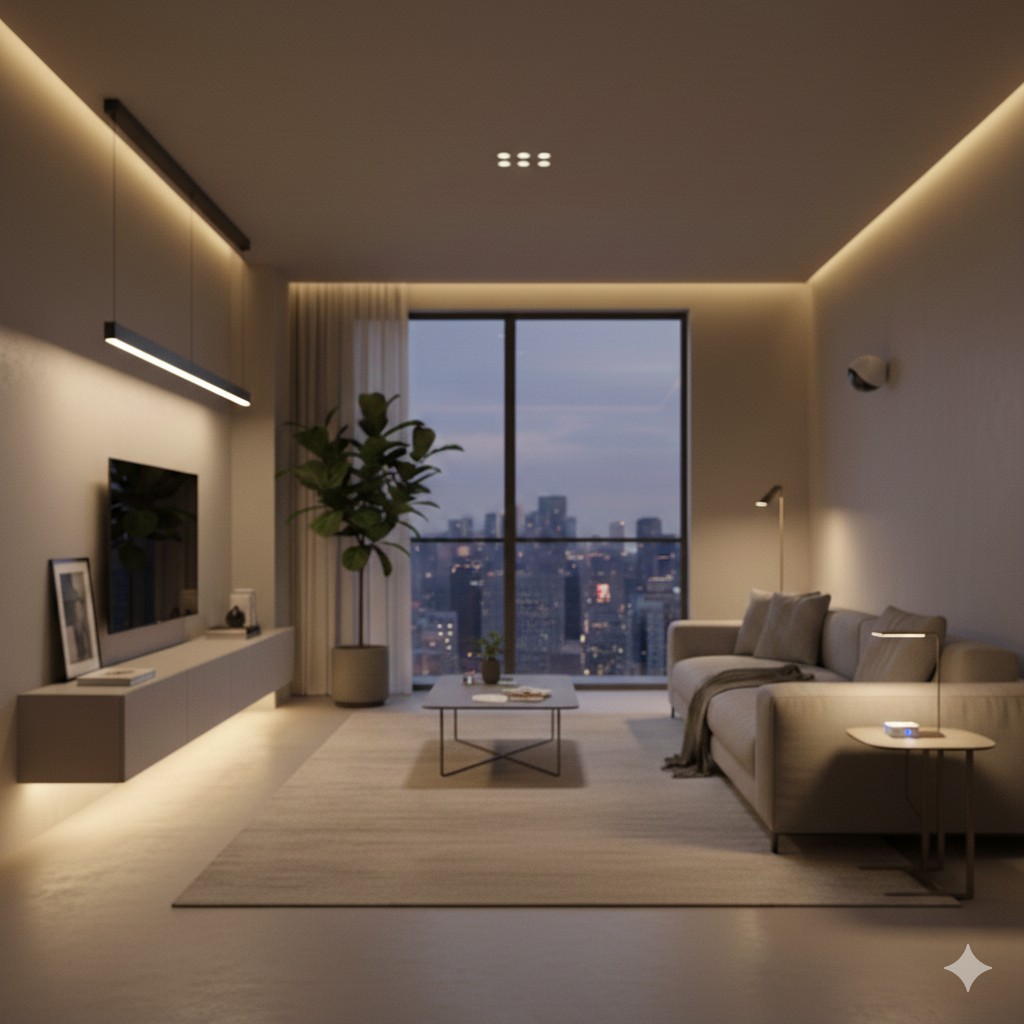
Begin with one or two devices such as:
Smart plug
Smart bulb
This helps you understand how the system works.
Step 2: Install a Central App
Choose a main smart home management app like Google Home or Alexa.
Add your devices to this app so everything can be controlled from one place.
Step 3: Create Rooms
Organize devices by rooms:
Living Room
Bedroom
Kitchen
This makes control easier.
Step 4: Set Up Automation
Create simple routines such as:
Morning Routine
Turn on lights
Start coffee maker
Away Mode
Turn off all devices
Activate security camera
Step 5: Enable Voice Control
Connect your smart home system to a voice assistant for hands-free control.
Best Smart Home Management Apps for Beginners
Google Home
Best for Android users and Google ecosystem.
Amazon Alexa
Great for beginners with easy setup and many compatible devices.
Apple Home
Ideal for Apple users with strong privacy features.
Samsung SmartThings
Supports a wide range of devices and advanced automation.
Smart Home Management Tips for Beginners
1. Choose Compatible Devices
Always check if your device works with your main smart home app.
2. Use One Main Platform
Avoid using too many different apps.
3. Start with Basic Automation
Simple routines are more useful than complex ones.
4. Secure Your Network
Use a strong WiFi password and keep devices updated.
5. Expand Gradually
Add devices step by step as you become comfortable.
Common Smart Home Management Mistakes
Buying devices from incompatible brands
Using multiple apps instead of one system
Setting up too many complex automations
Ignoring device updates
Weak WiFi connection
Avoiding these mistakes will give you a smooth smart home experience.
How Smart Home Management Helps Busy People
For working professionals and families, smart home management can make daily life easier.
Examples:
Turn off appliances remotely after leaving home
Schedule lights automatically
Control devices while traveling
Monitor home security anytime
This reduces daily stress and saves valuable time.
The Future of Smart Home Management
Smart home technology is becoming smarter every year.
Future improvements include:
AI-based automation
Energy optimization
Predictive device control
Better voice understanding
Fully integrated smart ecosystems
Starting now will help you stay ready for future smart living.
Conclusion
Smart home management is the key to making your smart devices work together efficiently. With a central app, compatible devices, and simple automation routines, you can control your entire home easily.
You don’t need expensive equipment or technical knowledge. Start small, choose a reliable smart home manager, and build your system step by step.
With proper smart home management, your home becomes more comfortable, secure, energy-efficient, and easy to control.
Welcome to smarter living with SmartNestWorld.
FAQs – Smart Home Management
1. What is smart home management?
Smart home management is the process of controlling and monitoring all your smart devices from one app, voice assistant, or automation system. It allows you to manage lights, plugs, cameras, and appliances easily from a single platform.
2. Do I need a hub for smart home management?
Not always. Many smart devices work directly with WiFi and can be managed through apps like Google Home or Amazon Alexa. However, a smart hub can improve connectivity and automation for larger setups.
3. Which app is best for managing a smart home?
Popular smart home management apps include:
Google Home
Amazon Alexa
Apple Home
Samsung SmartThings
The best choice depends on your devices and ecosystem.
4. Is smart home management safe?
Yes, smart home systems are safe if you:
Use a strong WiFi password
Enable two-factor authentication
Keep devices updated
Buy products from trusted brands
5. Can I control my smart home remotely?
Yes. With smart home management apps, you can control your devices from anywhere using your smartphone and internet connection.
6. What devices can be included in smart home management?
You can manage many devices such as:
Smart lights
Smart plugs
Smart switches
Security cameras
Smart locks
Smart speakers
7. Is smart home management expensive?
No. You can start with budget-friendly devices like smart plugs or smart bulbs and gradually expand your smart home system.
8. How do beginners start smart home management?
Start with:
One smart device (plug or bulb)
Install a smart home app
Connect the device
Create simple automation
Add more devices over time